Soundop Screenshots
Explore Soundop's professional audio editing capabilities, including waveform and spectral editing, multitrack mixing, audio processing, batch processing, and audio analysis tools.

Waveform & Spectral Editing
Edit audio with precision using waveform and spectral views. Select audio by time range, frequency range, and channel, then preview effects, noise reduction, time stretching, and other processing before applying changes.

Multitrack Mixing
Soundop provides a clear multitrack workflow by separating track settings, clip properties, and group editing into dedicated panels. Adjust routing, channel configurations, sends, and effects during playback to experiment and refine your mix in real time. Customizable track headers, presets, and track folders help organize complex projects. Soundop also provides an option to import files with different sample rates without prior conversion, improving workflow efficiency when working with mixed audio sources.
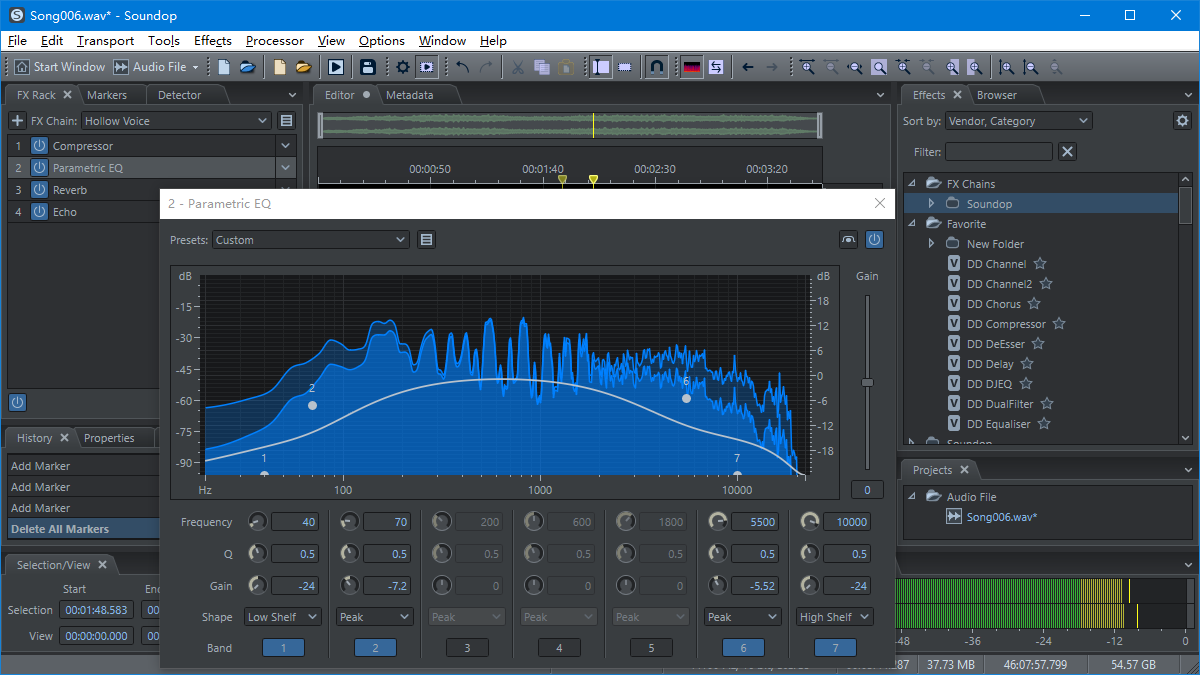
Professional Audio Effects & Plugin Support
Soundop provides essential audio effects and supports VST, VST3, and ARA plugins. FX Groups let you combine multiple effects into reusable processing units with sequential or parallel structures, which can be inserted and combined in the FX Rack.
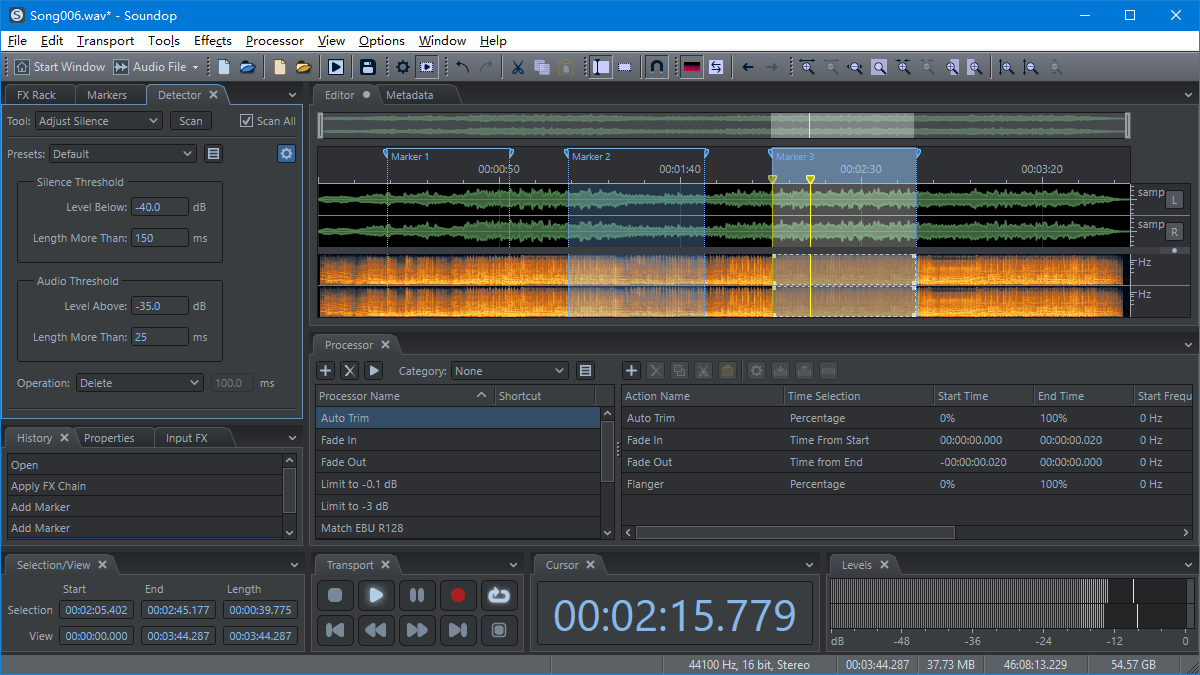
Audio Processors
Soundop Processors let you create reusable audio editing workflows by combining almost any audio editor operation, not just effect processing. Configure actions such as editing operations, audio generation, FX Rack processing, and effects with flexible selections, frequency ranges, channels, and parameters. Actions can be enabled, disabled, and organized into Processor groups for efficient workflow management.

Batch Processor & Workflows
Soundop's Batch Processor is a standalone project that lets you save and reuse complete batch processing workflows. Configure files, Processors, and output settings once, then run the same workflow again whenever needed. Multiple batch tasks can also run simultaneously.
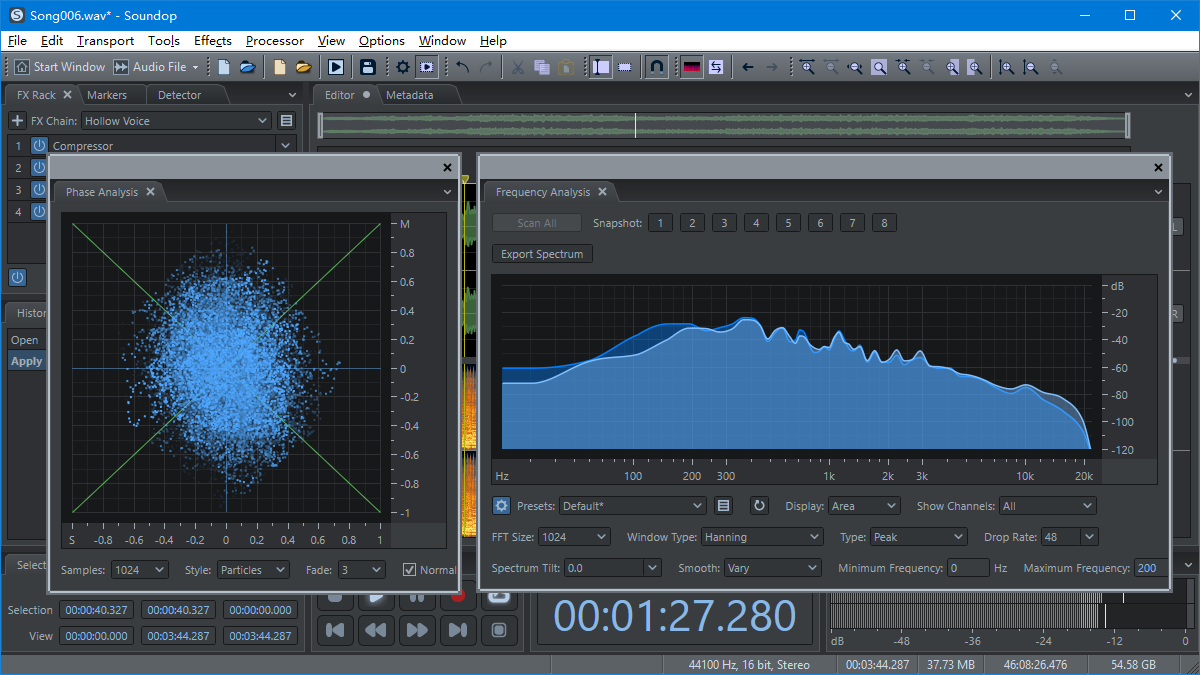
Audio Analysis & Metering Tools
Analyze audio with level meters, Loudness Meter, Phase Analysis, Correlation Meter, and Frequency Analysis panels, available in both the audio editor and multitrack editor.

CD Burning
Create Audio CDs with customizable gaps between tracks. After burning, verify that tracks were written successfully.
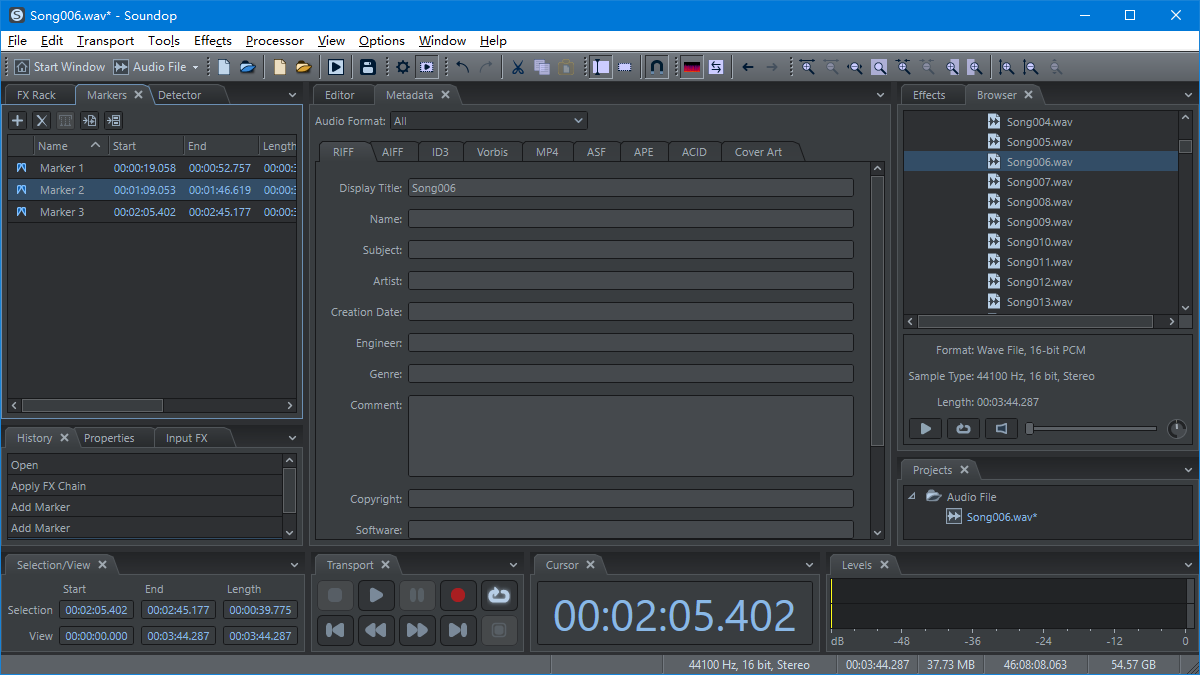
Audio Metadata Editing
Soundop provides a unified metadata system across audio formats, allowing common fields to be edited consistently for RIFF, ID3, AIFF, ASF, and more. Metadata can be preserved across format conversions, with additional support for ACID chunks and cover artwork editing.
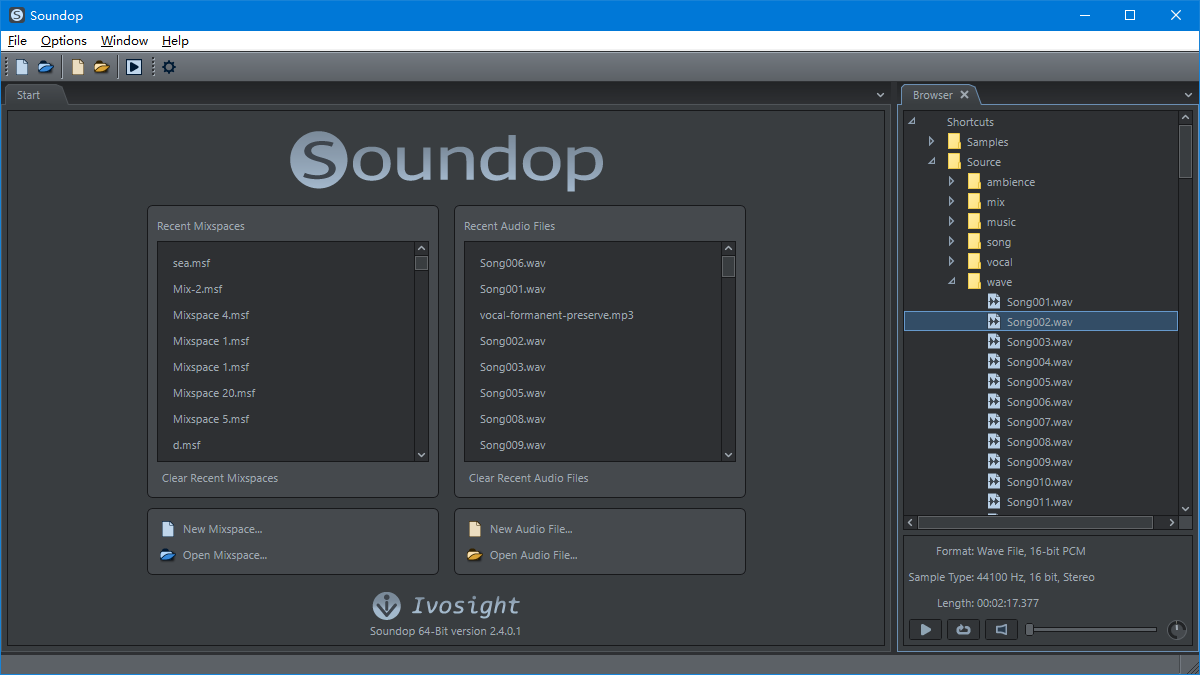
Start panel and Browser panel
Quickly access recent files and projects with the Start panel. Browse audio files and Soundop projects with the Browser panel, then drag them directly to open.


